✦ FREE UAE DELIVERY · CASH ON DELIVERY AVAILABLE ✦
Shop now
How do I use this product?+

Here is a step-by-step guide on how to set up and fly your E99 Foldable Drone.

1.Power On and Pair:Prerequisite.

Unfold the drone's arms, starting with the front arms and then the back arms, and place it on a flat, level surface. Turn on the drone's power button, then power on the remote control. Push the left joystick all the way up, then pull it all the way down to sync the remote to the drone.

You will know this step was successful when the flashing LED lights on the drone stop blinking and remain solid.

2.Connect to the App:Setup.

Open the WiFi settings on your smartphone and connect to the drone's unprotected WiFi network (usually named starting with "WiFi-720P" or similar). Once connected, open the drone's mobile app and tap "Start" or "Play".

You can verify this step was successful if you can see a live video feed from the drone's camera on your phone screen.

3.Calibrate the Gyroscope:Pre-flight.

While the drone is still on the flat surface, push both joysticks on the remote control down and to the bottom-right corner simultaneously for about 2 seconds.

You will know calibration is successful when the drone's lights flash rapidly for a moment and then return to a solid glow, meaning it is perfectly leveled.

4.Takeoff and Hover:Flight.

Press the "One-Key Takeoff" button on your remote control or in the app (usually indicated by an arrow pointing upwards).

You can verify this step was successful when the propellers spin up and the drone automatically lifts off the ground to hover steadily at about 4 to 5 feet in the air.

Can I use it regularly?+

Yes, you can absolutely fly the E99 drone regularly! It is designed for frequent, casual flying. However, to keep it in good working condition for daily use, there are a few important things to keep in mind:

  • Motor Cool-Downs: The small brushed motors work hard during flight and can get quite hot. If you are flying it every day, always let the drone rest for about 10 to 15 minutes after the battery dies before putting in a fresh one or plugging it in to charge.
  • Temperature Management: Given the warm climate in Qatar, it is highly recommended to avoid flying outdoors during peak midday heat. High environmental temperatures combined with the heat generated by the drone can quickly degrade the battery and overheat the motors. Stick to early mornings, cooler evenings, or indoor practice.
  • Keep it Clean: Regular use means more exposure to the elements. Make sure to gently blow off any dust or fine sand from the propeller gears and motor vents after your flights to prevent them from grinding or jamming.
  • Battery Care: To maximize the lifespan of the battery with regular use, avoid completely draining it until it dies and falls out of the sky. Land it as soon as the low-battery warning lights start flashing.
PREMIUM EVERYDAY ESSENTIAL

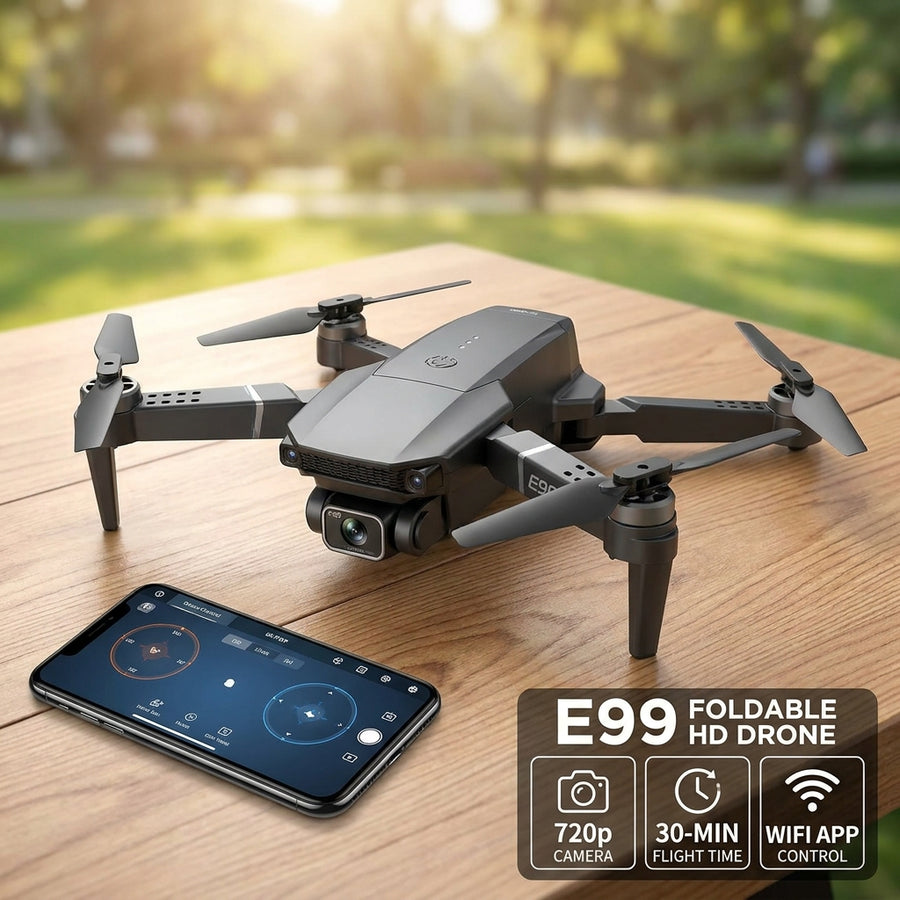
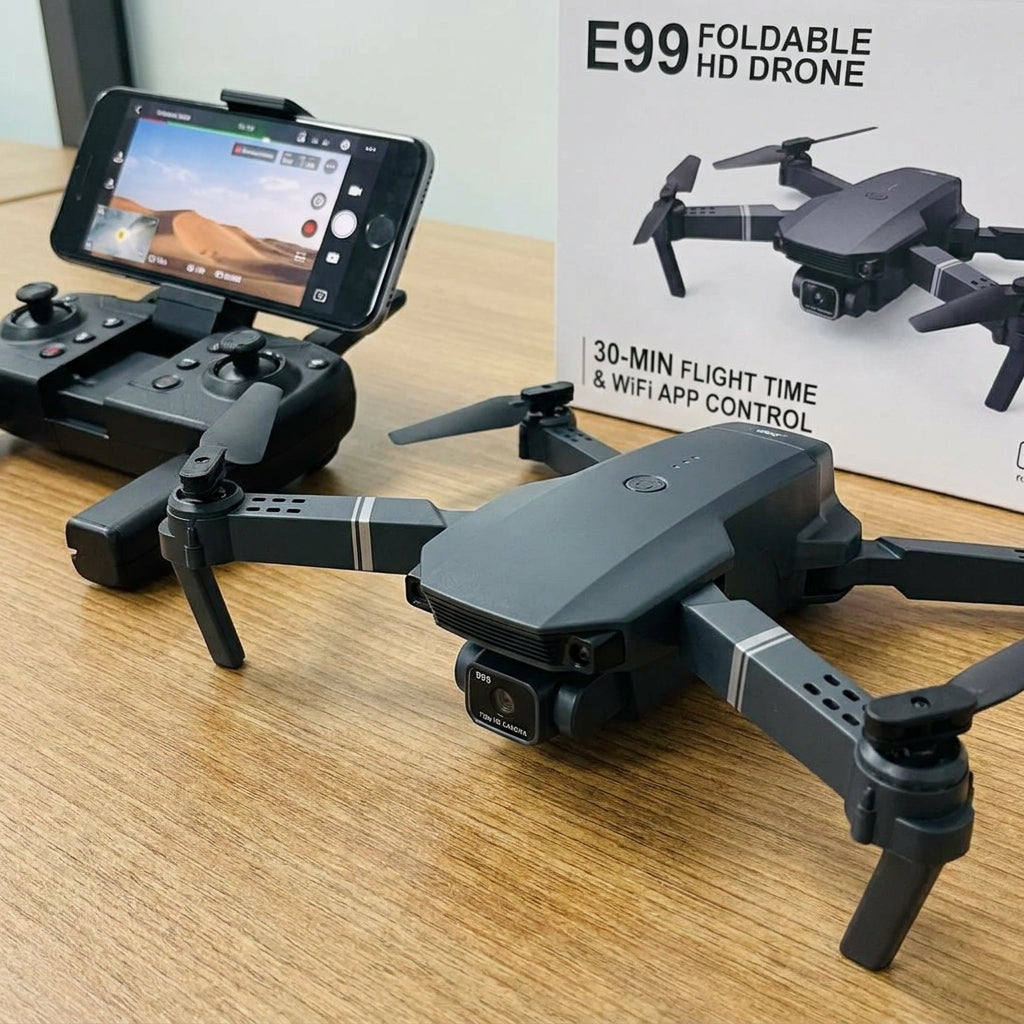
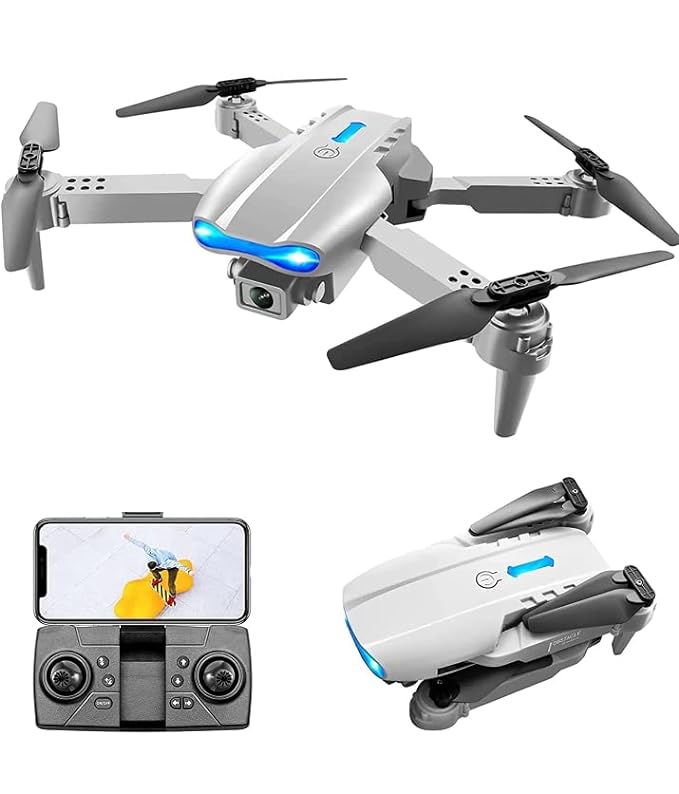
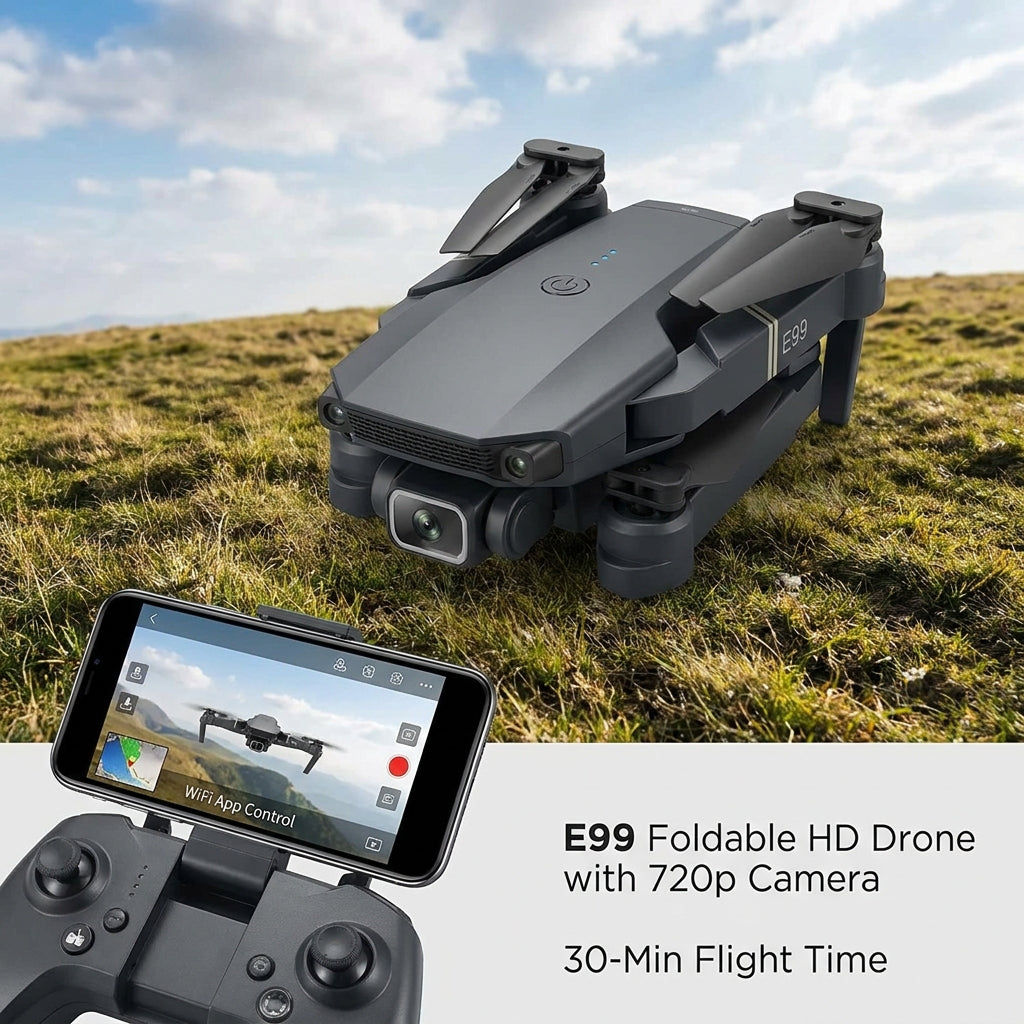
E99 Foldable HD Drone with 720p Camera | 30-Min Flight Time & WiFi App Control

Dhs. 250.00Dhs. 439.00SALE

Step into the pilot’s seat and capture your world from a breathtaking new angle. The E99 Drone Camera combines an ultra-portable foldable design with intuitive smart flight controls, making it the ultimate quadcopter for beginners...

In stock — ready to order

Order securely. Delivery updates will be sent after confirmation.

✓Safe purchase
↩Replacement support
◉Customer care
E99 Foldable HD Drone with 720p Camera | 30-Min Flight Time & WiFi App ControlPREMIUM DESIGN
E99 Foldable HD Drone with 720p Camera | 30-Min Flight Time & WiFi App ControlEASY ROUTINE
E99 Foldable HD Drone with 720p Camera | 30-Min Flight Time & WiFi App ControlUAE DELIVERY
E99 Foldable HD Drone with 720p Camera | 30-Min Flight Time & WiFi App ControlPREMIUM DESIGN
E99 Foldable HD Drone with 720p Camera | 30-Min Flight Time & WiFi App ControlEASY ROUTINE
E99 Foldable HD Drone with 720p Camera | 30-Min Flight Time & WiFi App ControlUAE DELIVERY
DESIGNED FOR YOUR ROUTINE

Style with ease

Edit every image and benefit with accurate product information.

Quick routine

Quick routine

Unfold the drone, connect to the WiFi app to fly and record 720p video, and use one-key landing to finish and recharge.

Fun To Use

Fun To Use

Enjoy endless entertainment with easy one-button 360° flips, adjustable flying speeds for racing, and live video streaming straight to your phone so you can see exactly what the drone sees in real-time!
Versatile use

Versatile use

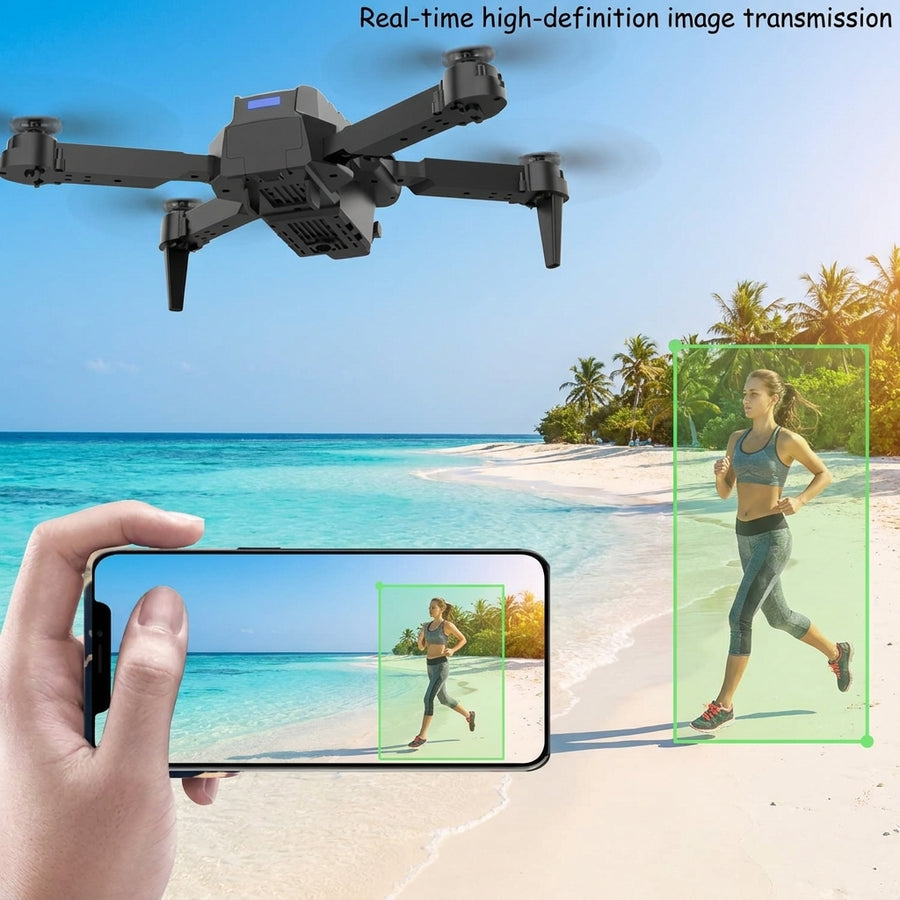
Perfect for indoor flight practice, capturing casual outdoor aerial photos, performing fun 360° flips, or easily packing into your backpack for travel adventures.

INNOVATIVE TECHNOLOGY

Powerful features

Feature one

720p HD Camera

Feature two

30-Minute Flight Time:

Product feature showcase

Feature three

Foldable Design

Feature four

WiFi App Control

✓ Feature one✓ Feature two✓ Feature three✓ Feature four
PREMIUM PRODUCT EXPERIENCE

Get results, effortlessly

Add your accurate product story and key benefits.
Shop now
E99 Foldable HD Drone with 720p Camera | 30-Min Flight Time & WiFi App Control
THE BETTER CHOICE

Why choose us?

Only compare accurate, supportable differences.

FeaturesOur productOthers
Clear specifications✓—
UAE delivery information✓—
Customer support✓—
Need to know

Frequently asked questions

How does this product work?

Here is a breakdown of how the E99 Foldable Drone operates and the technology behind it:

Power & Flight Mechanics

  • Propulsion: The drone is powered by a modular, rechargeable battery that drives four independent electric motors.
  • Aerodynamics: By spinning the four propellers at varying speeds, the drone creates downward thrust to lift off. To move forward, backward, or turn, the drone's internal computer precisely adjusts the speed of individual rotors.
  • Stabilization: Built-in gyroscopes and gravity sensors constantly monitor the drone's tilt and movement. This allows for features like "Altitude Hold," which automatically keeps the drone hovering steadily at a consistent height even if you let go of the controls.

Control & Connectivity

  • Radio Control: The physical remote control uses standard 2.4GHz radio signals to send your joystick movements instantly to the drone, ensuring a responsive flight.
  • WiFi Network: When powered on, the drone generates its own local WiFi hotspot. By connecting your smartphone to this specific network, you link the drone directly to the mobile app for extended controls.

Camera & Live Streaming (FPV)

  • First-Person View: The onboard 720p HD camera continuously captures footage and transmits it over the WiFi connection straight to your phone.
  • Media Storage: Instead of needing an SD card inside the drone, this real-time feed allows you to save photos and videos directly to your smartphone's camera roll through the app.

Smart Automation

  • Automated Sequences: The drone's microchip is pre-programmed with specific flight patterns. When you trigger "One-Key Takeoff," "One-Key Landing," or the "360° Flip" button, the drone automatically executes a precise set of motor commands to perform the action safely on its own.
What is included in the box?

List the exact package contents.

Is Cash on Delivery available?

Yes, when enabled at checkout.